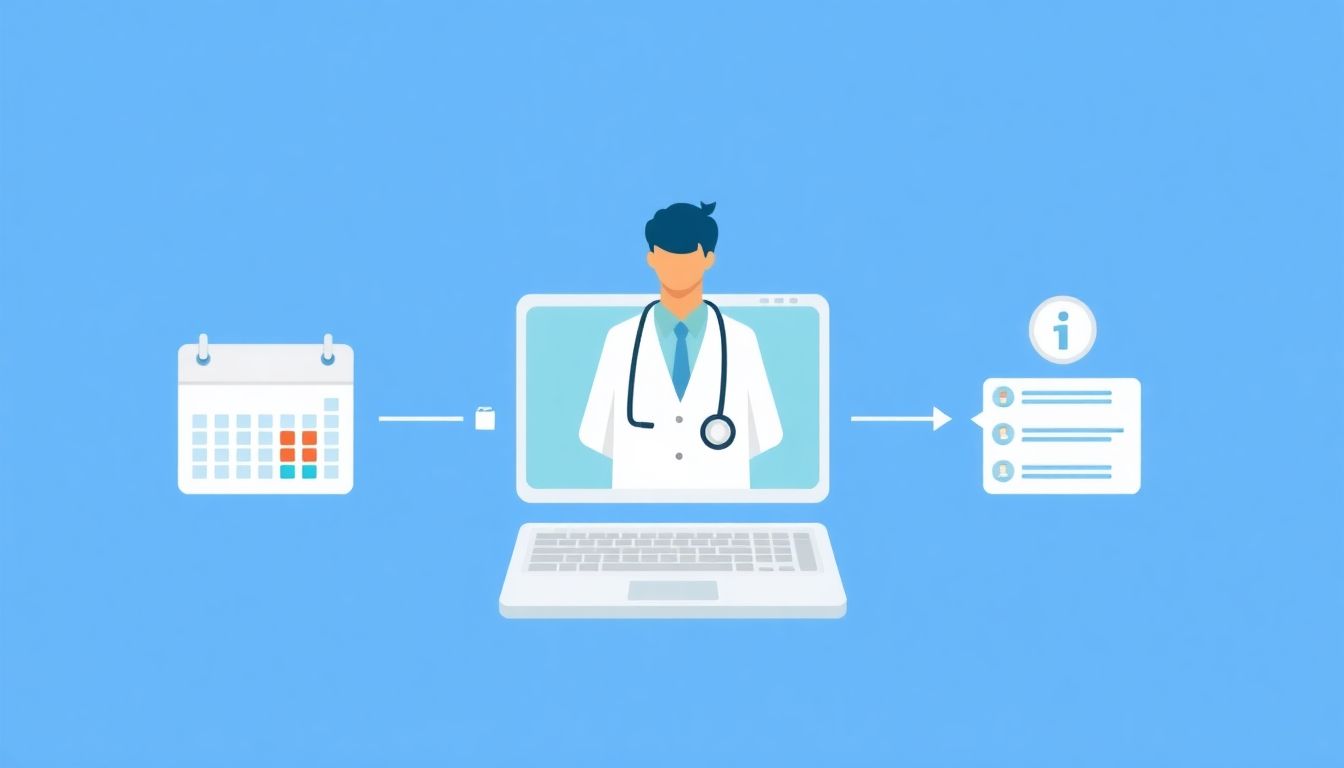
Less admin, more control: appointments, patient portals, secure doctor–patient messaging and an AI assistant grounded in your practice’s content — on a platform where you own the data.
Doctors are tired of clinical software that locks in their data and adds admin; VBWD gives clinicians scheduling, records and secure messaging they actually control.
You did not go to medical school to spend your evenings fighting a scheduling screen. Yet most clinicians now run their practice on software they do not control: a portal vendor holds the patient list, an appointment tool holds the calendar, a messaging add-on holds the conversations, and each one bills monthly while quietly deciding what you can export. When you want to move, you find out the data was never really yours.
VBWD takes the opposite starting point. It is a self-hosted, source-available platform you run on your own server, assembled from a small agnostic core plus plugins for the parts of practice life you actually use: booking, patient accounts, secure messaging, an on-site chatbot, membership care plans, and a loyalty credit system. This is a practical look at what a clinical day looks like on top of it, and an honest account of what it is and is not.
The problem: rented software, borrowed data
The frustration is rarely one big failure. It is the accumulation of small ones. A booking system that cannot express “I do not take new patients on Fridays.” A patient portal that emails you a CSV instead of an API. A messaging tool that stores threads in a jurisdiction you never chose. And the standing cost of administration: reminders that go out by hand, routine questions that interrupt a consultation, patients who cannot see their own next appointment without phoning reception.
Underneath all of it is lock-in. If the record of who your patients are, when they come, and what you have told them lives on someone else’s infrastructure, your practice is a tenant. VBWD is built so that the practice is the landlord.
Your calendar, your availability
Start with the part of the day you touch most: the schedule. The booking function is a plugin that models your availability, not a generic grid. You define when you see patients, how long each appointment type runs, and where the gaps are. Patients with an account can self-book into the slots you have opened, which removes a large share of the phone-and-callback churn without handing the calendar to a third party.
Because availability is yours to define, the awkward real-world rules fit: buffer time between patients, a hard stop before lunch, blocked mornings for home visits. You are not bending your week to match the tool’s assumptions. The booking and scheduling plugin is one of several you can enable or leave off depending on how your practice runs.
Patient accounts, and the patients who are yours
Every patient can have an account with their own portal: their upcoming appointments, their history with you, their messages. From the clinician side you see your patients — the people who belong to your practice — rather than a slice of some shared vendor pool. Access is governed by granular per-role permissions, so a receptionist, a nurse, and a physician each see exactly what their role warrants and nothing more. That separation matters both for privacy and for the plain question of who is allowed to open what.
The portal also does quiet administrative work. A patient who can see their own next visit, reschedule within your rules, and read a follow-up note is a patient who generates fewer interruptions. Less admin is not a slogan here; it is the direct result of giving patients a controlled window into the data that is already about them.
Secure messaging for follow-ups and results
The messenger is a plugin for secure doctor–patient communication: sending a follow-up, letting someone know results are ready to discuss, answering a logistical question between visits. Because it lives inside the same platform as the accounts and the calendar, a message is attached to a real patient in your practice, not floating in a separate inbox.
Be clear about the boundary. This is general secure communication. It is not a telemedicine system, not a clinical-decision tool, and not a substitute for examining a patient or exercising judgement. “Your results are back, let’s book a call” is what it is for. Diagnosis over chat is not. Keeping that line sharp protects both you and the patient.
A chatbot that only knows your practice
Routine questions are a tax on attention. Where are you located, do you take walk-ins, how do I prepare for this test, what are your hours over the holiday. VBWD includes an LLM-based retrieval chatbot grounded in your own practice content — your pages, your policies, your FAQs — so it answers from what you have actually published rather than from the open internet.
Two design choices are worth understanding. First, the bot rides a search seam that deliberately blocks privacy-sensitive slices of the system. It is built so a general-purpose assistant does not surface patient records; it should be talking about your opening hours, not about anyone’s chart. Second, retrieval runs through an LLM connection manager, so you decide which model backend answers and under what configuration. You can read how the retrieval and permission seams fit together in the platform architecture.
The honest caveat: a language model can be wrong. Keep a human path open. The bot is there to absorb the routine so you are interrupted less, not to be the last word on anything that matters clinically.
Care plans and a reason to come back
Two plugins address the business side of continuity without turning your practice into a storefront. Subscriptions and membership let you offer structured care plans — a recurring wellness membership, a managed-condition programme, a bundle of visits — billed on a schedule you define. For patients who want an ongoing relationship rather than one-off visits, this formalises it.
Alongside that sits a token, or credit, loyalty system. It rewards the behaviours a healthy practice depends on: returning for follow-up, keeping appointments, referring family or friends. Credits accrue and can be recognised in ways you set. It is a modest, optional layer, but for a practice that lives on long-term relationships it gives repeat engagement something concrete behind it. Both sit among the practice functions listed under the platform’s features.
The part that actually matters: you own the data
Here is the structural difference. VBWD is self-hosted. It runs on infrastructure you choose, on a stack of Python and Flask, PostgreSQL, Redis, and a Vue 3 front end, packaged with Docker. If you host it on EU-resident infrastructure, your patient data resides where you put it — data residency by architecture, not by a vendor’s promise. The practice is the data controller. There is no upstream company holding a copy and setting export terms.
The licensing follows the same logic. VBWD is source-available under BSL 1.1: free to run, including commercially, until attributable sales cross a defined threshold, and it converts to Apache-2.0 over time. You can read the source, audit what it does with patient data, and modify it. That is a categorically different relationship than a closed portal where you take the vendor’s word for how records are handled.
Honest limits
Ownership comes with responsibility, and you should hear the boundaries plainly.
- VBWD is not a certified electronic health record and not a medical device. It is a practice platform, not a clinical-records system with regulatory clearance.
- It makes no claim of HIPAA certification or any equivalent. Self-hosting on EU infrastructure gives you data residency and controller status; it does not by itself discharge your regulatory duties.
- Because you are the data controller, the lawful basis for processing, retention policy, consent, and any compliance obligations for clinical records remain your responsibility as the clinician or operator.
- The messenger is general secure communication, not telemedicine. The chatbot can be wrong and must never replace clinical judgement or a human contact route.
- Self-hosting means someone maintains the server, backups, and updates — you, or someone you pay. That is the price of control.
None of this is a reason to avoid the platform. It is a reason to run it with your eyes open, the same way you would adopt any tool that touches patient care. The documentation is the place to work through hosting, roles, and setup before you commit real patients to it.
The takeaway
A clinician’s version of “good software” is quiet: the calendar reflects how you actually work, patients handle their own bookings and see their own history, routine questions get answered before they reach you, follow-ups go out securely, and the record of it all sits on infrastructure you control. VBWD assembles that from parts you can turn on one at a time, on a source-available base you are free to inspect.
It will not sign your compliance paperwork or replace your judgement, and it does not pretend to. What it does is stop your practice from being a tenant in someone else’s system. For a doctor who wants less administration and genuine control over the relationship with each patient, that ownership is the whole point.
Learn more about VBWD
VBWD is a self-hosted, source-available platform for building subscription products, marketplaces, and AI-powered apps. Explore it further:
- 🌐 Website and documentation: vbwd.cc — see the plugins, architecture, and developer docs.
- 💻 Source code and plugins on GitHub: github.com/VBWD-platform
- 🎥 Watch VBWD in action: demo video 1 and demo video 2
- 💼 Follow the project on LinkedIn: linkedin.com/company/vbwd